How Can We Help?
ConnectUC – Sending a Fax
The ConnectUC App can send a fax from the Mobile, Desktop or Web portal. All the ConnectUC versions will use your same user and password. The web portal can run in Google Chrome and does not require installation. It can be accessed at https://app.connectuc.io/
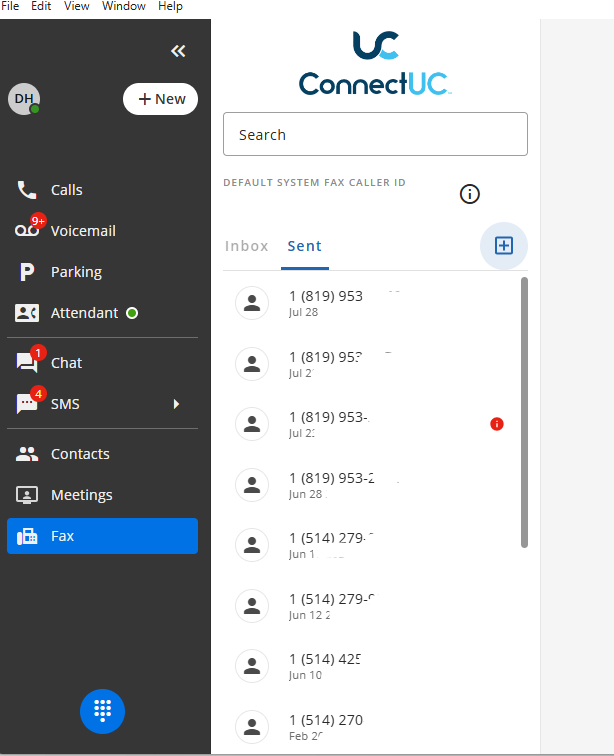
- From ConnectUC choose the Fax tab on the left. Clock on the + icon to start sending a fax.
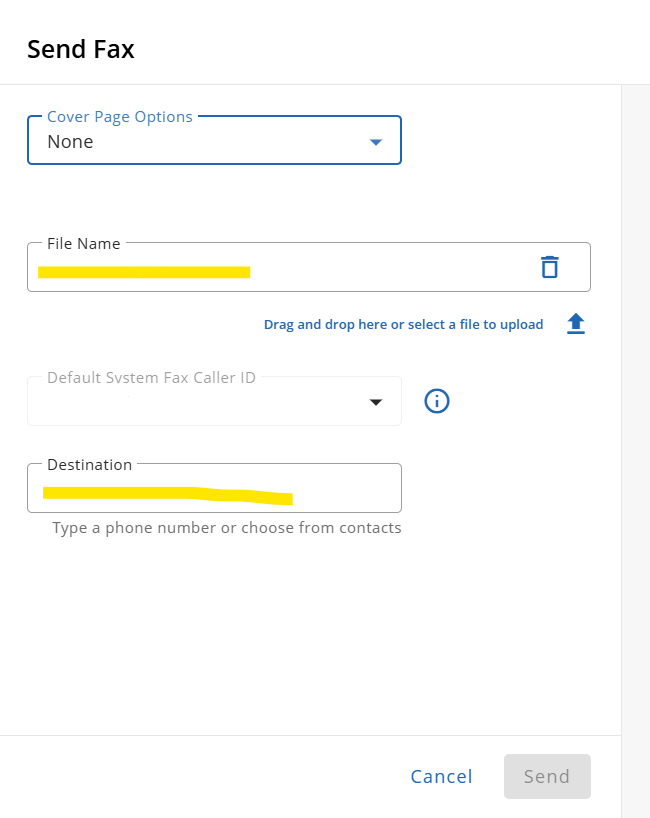
- Upload the file to send , enter the number to fax to and press “Send”. Note that faxes can only be sent within N.America