
How Can We Help?
UC – Call Forwarding Your Calls
Using the portal to your phone system, you can control the forwarding of your calls.
-
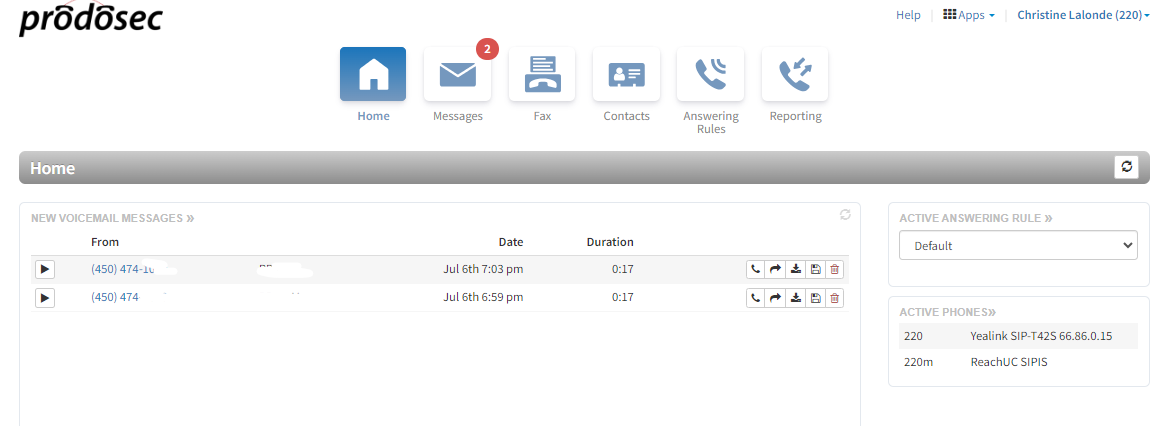
- Login to your web portal This uses the same login and password as the phone and web app. [Note: If you are configured as an office manager for the system, you will see a slightly different screen at login. Select the My Account option under your name in the top right corner to enter the user mode shown below]
- Select ‘Answering Rules’
- Select your rule to edit
- To forward all calls to another user, check the ‘Always’ box and select the user to forward calls to. There is also the option to send calls to a device, but in most cases, select the User. (Difference between forwarding to a user and a device). Save when complete.

-
- Call forwarding can be disabled by unchecking the box, or by disabling call forward from the ‘features’ menu from the phone.
Learn more information about using answering rules to control your calls